Step-by-step guide

How to Make a Storybook in 5 Minutes

Turn your kid, your dog, your grandma — or a dragon who bakes cookies — into a storybook character. Then get a complete illustrated story, ready to print. No drawing. No writing experience. Just your idea and five minutes.

01

Create Your Character

This is where it starts. You have three ways to create characters:

  • Upload a photo. Take a snapshot on your phone — of your kid, your pet, yourself, whoever. The character creator transforms it into your chosen art style.
  • Describe someone from scratch. Type something like "a shy dragon with big round glasses" and watch it come to life.
  • Brainstorm with the character creator. Not sure what you want? The brainstormer helps you explore ideas, riff on details, and land on something you love.

The key thing: anyone can be a character. Your four-year-old. Your golden retriever. Grandma. A talking mushroom. There are no limits here.

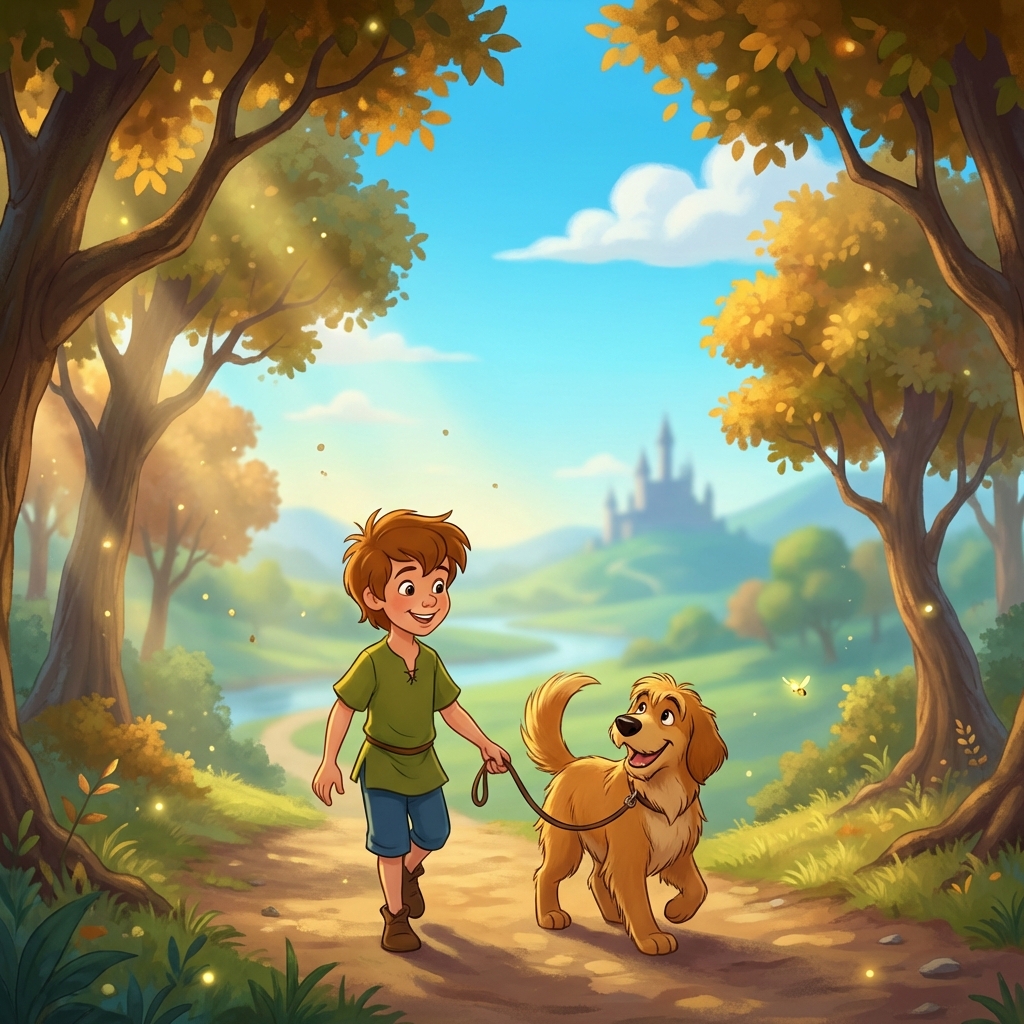
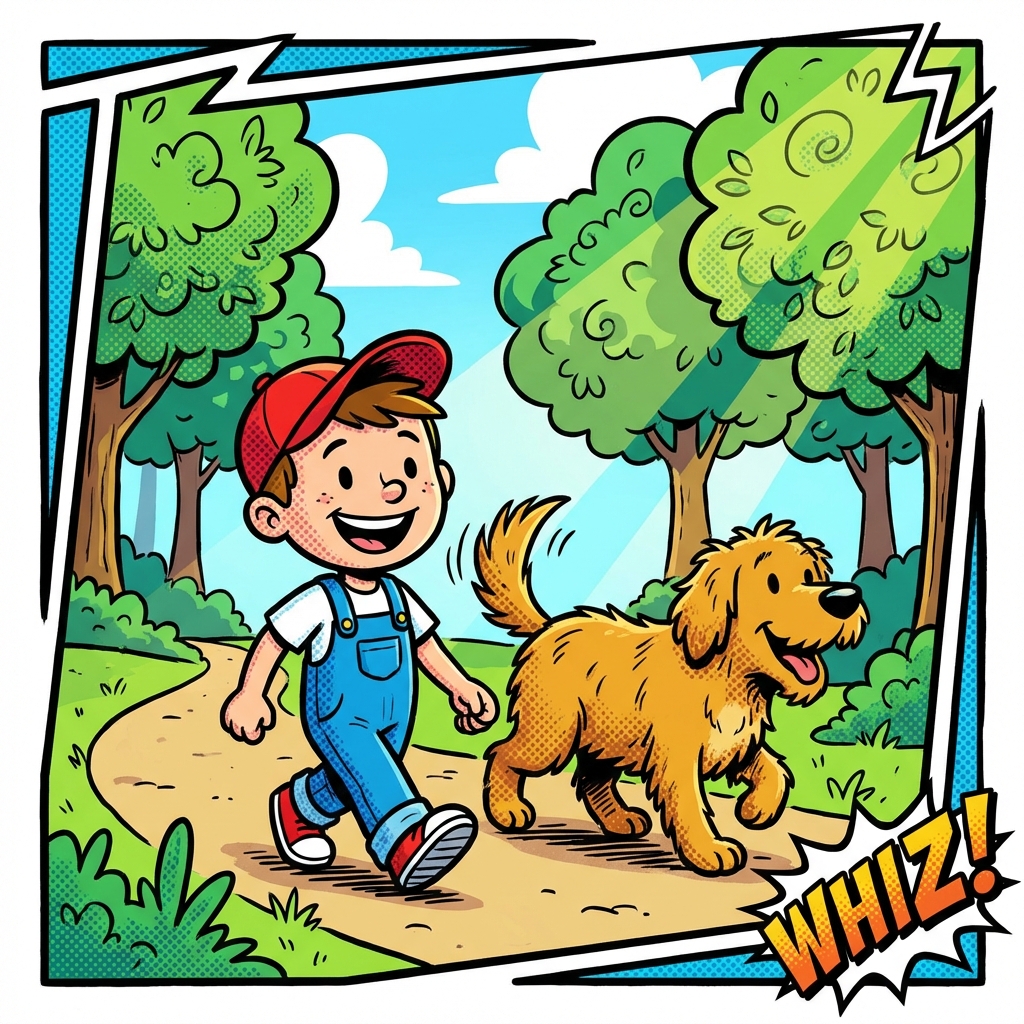
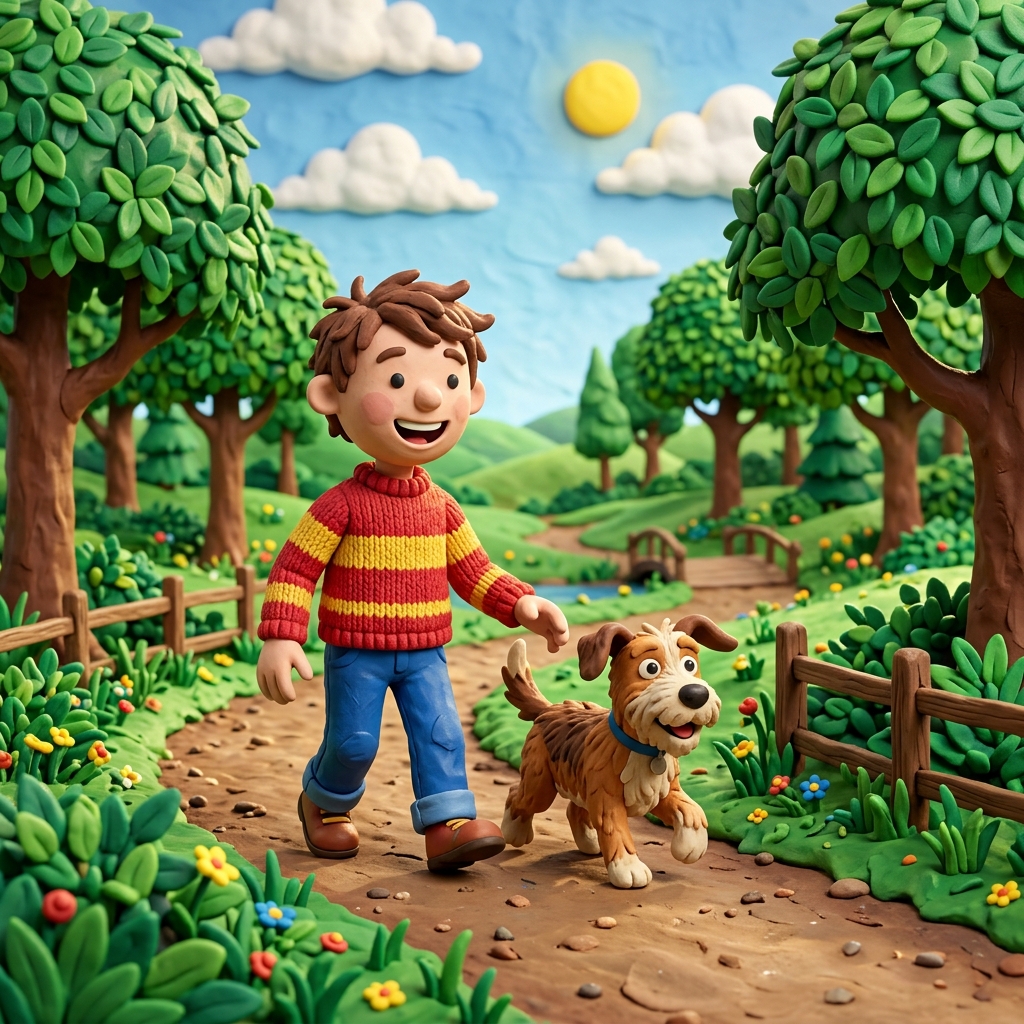
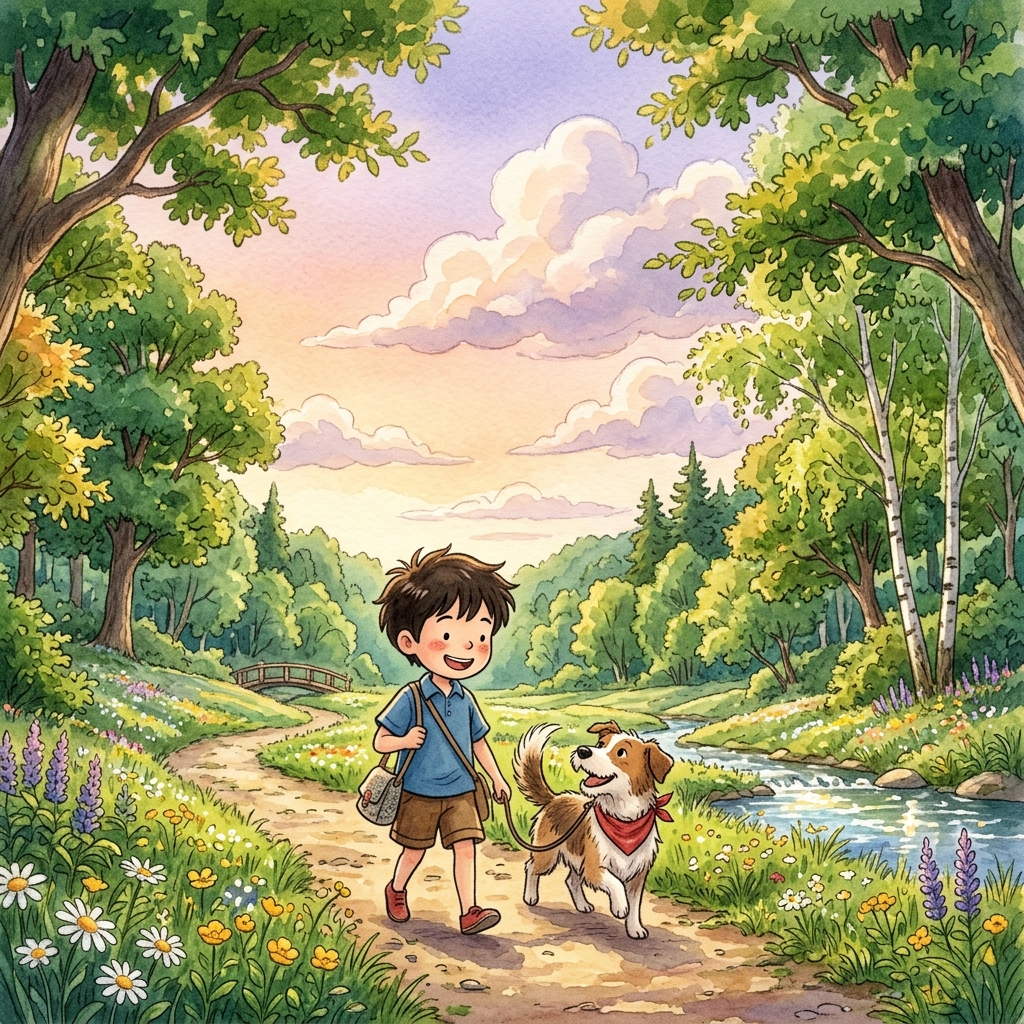
You also pick an art style at this point. Watercolor, Disney classic, comic book, claymation, Ghibli-inspired — there are 34 styles in total, and each one gives your character a completely different look.
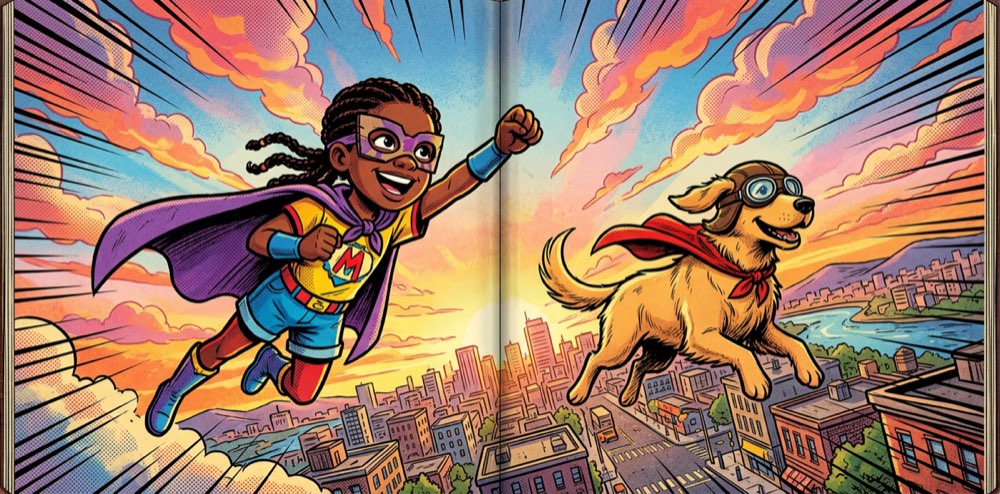
Comic book style storybook spread showing a character in action

A girl and her dog, transformed into comic book heroes
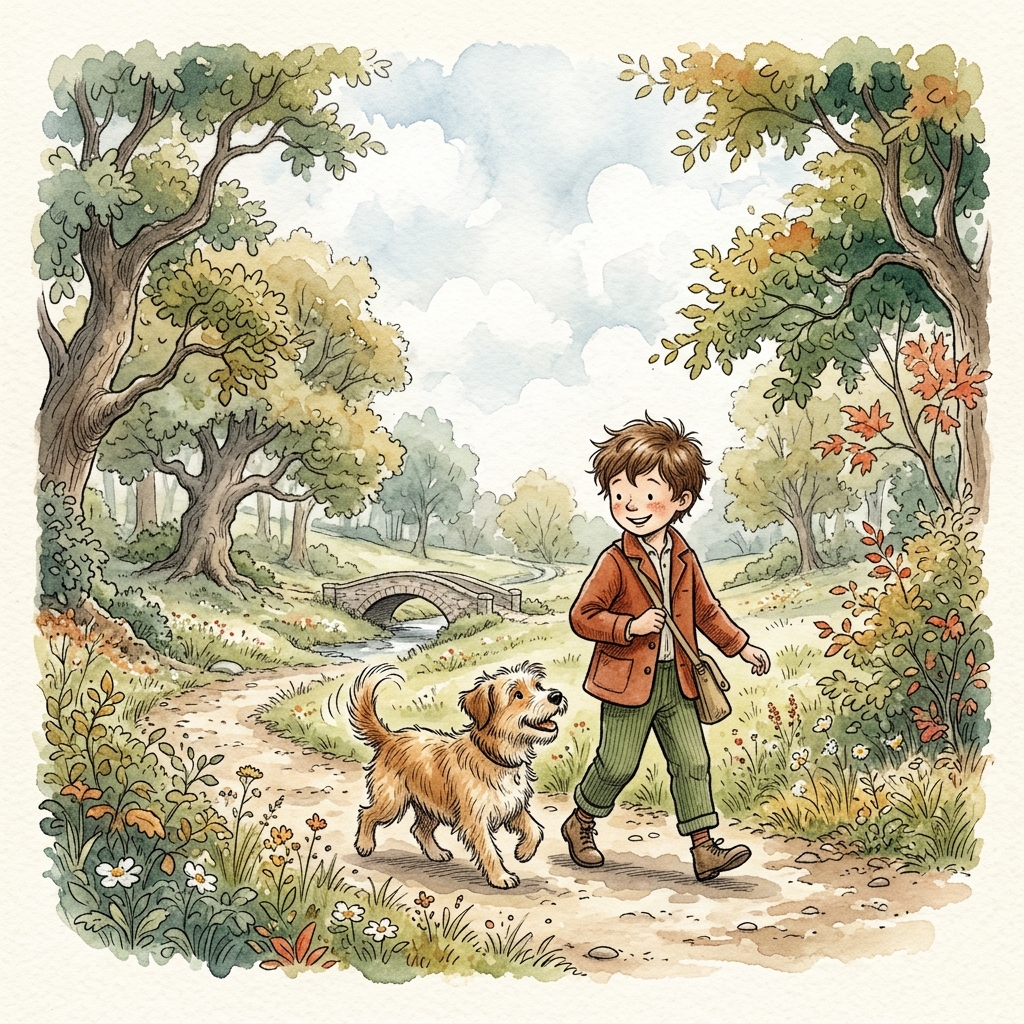
Watercolor art style preview
Disney classic art style preview
Comic book art style preview
Claymation art style preview
Ghibli-inspired art style preview
02

Write Your Story

Now you turn that character into a full story. You have two paths, and both work great:

Path A

Make a Story for Me

Give a one-liner — "our dog goes to the moon" or "a princess who hates wearing shoes" — and the story writer builds a complete narrative with a beginning, middle, and end. You pick how many pages. It handles the rest.

Path B

Illustrate My Text

Already have a story? Paste it in. The scene planner breaks it into pages and generates a matching illustration for each one. Your words, our pictures.

Either way, the story comes out page by page — each page with its own illustration and text, all in the art style you picked. It takes about a minute for a full book to generate.

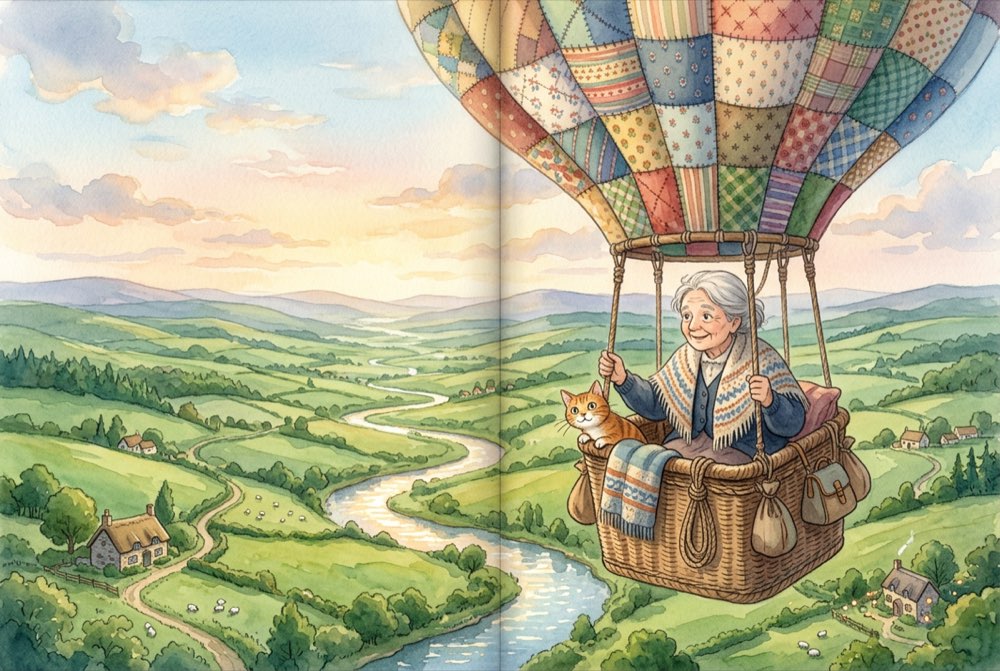
Ghibli-inspired watercolor storybook spread showing a grandmother in a hot air balloon

From a one-line idea to a full illustrated story

03

Review and Customize

This is not a set-it-and-forget-it tool. You see every single page laid out, and you are the creative director.

  • Regenerate any image. Don't love how the dragon looks on page three? Hit regenerate and get a new version. Try as many times as you want.
  • Edit the text. Change a word, rewrite a sentence, adjust the dialogue. The text is fully editable on every page.
  • Swap art styles. Started in watercolor but want to see it in comic book? You can switch styles and regenerate.
  • Rearrange pages. Move things around. Delete a page that doesn't fit. Add a new one.

Most people make a few tweaks. Some people spend an hour perfecting every detail. Both are fine. The point is that you're in control of the final product.

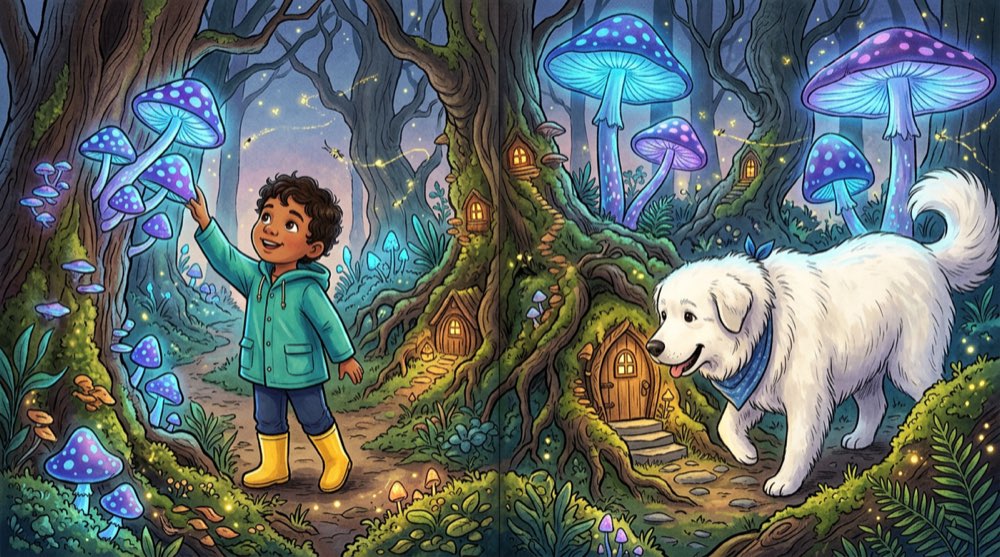
Gouache style storybook spread showing a magical forest scene

Every page is customizable — text, images, styles, layout

04

Print It

When your story looks right, you can order a real printed book. It shows up at your door in about a week. Three tiers, depending on what you're going for:

Or skip printing entirely. Your storybook lives in your account and you can come back to it anytime. Lots of families keep them digital and read them on a tablet at bedtime.

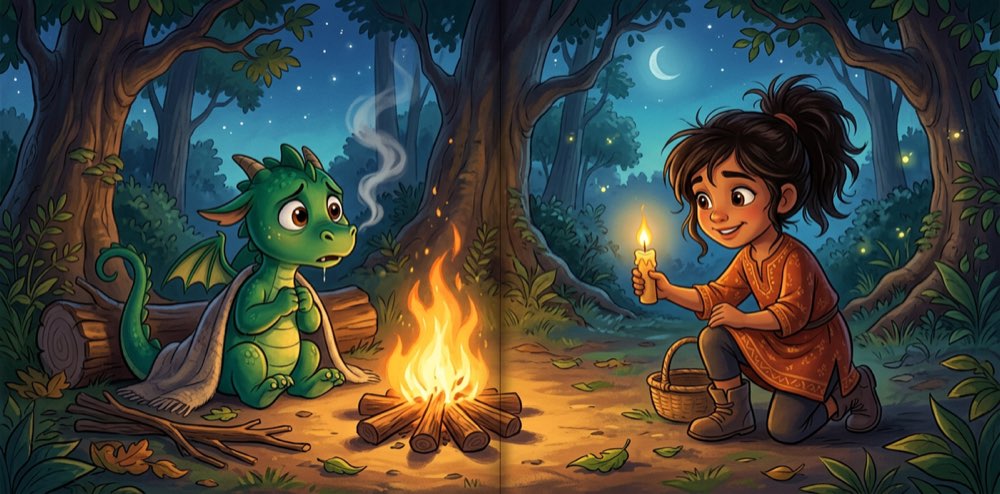
Disney-style storybook spread showing a girl with a friendly dragon

From screen to bookshelf in about a week

Everything Parents Ask Us

Short answers to the questions we hear most. If something else is on your mind, just start creating — most things become obvious once you try it.

Do I need to know how to draw?

Nope. You never touch a pencil. You describe what you want (or upload a photo) and pick an art style. The illustrations are generated for every page automatically. Zero artistic skill required.

How many pages can my book have?

You choose. Most families make books between 8 and 24 pages, but you can go shorter for a quick bedtime story or longer for an epic adventure. Each page gets its own illustration.

Can I use a photo of my kid?

Yes — that's actually how most people start. Snap a photo on your phone, upload it, and the character creator transforms your child into a watercolor hero, a comic book adventurer, or whatever style you pick.

What art styles are available?

There are 34 styles. Watercolor, Disney classic, Ghibli-inspired, comic book, claymation, oil pastel, gouache, paper collage, wool knitted, ink wash, crayon chalk — and more. Each one gives your story a totally different feel.

How long does the whole thing take?

About five minutes from opening the app to having a complete illustrated storybook. You can spend more time customizing if you want, but the core creation is fast. Printed books ship in about a week.

Can I make a book about our family pet?

Absolutely. Dogs, cats, hamsters, turtles — we've seen them all. Upload a photo or describe your pet and it becomes the star of the story. Kids especially love seeing their pet go on an adventure.

Ready to Make Your First Story?

Five minutes. Any character you can imagine. 34 art styles. A real illustrated book you can hold in your hands or read on a screen. The hardest part is picking which idea to start with.

Start Creating — Free

No credit card needed. Start creating right now.