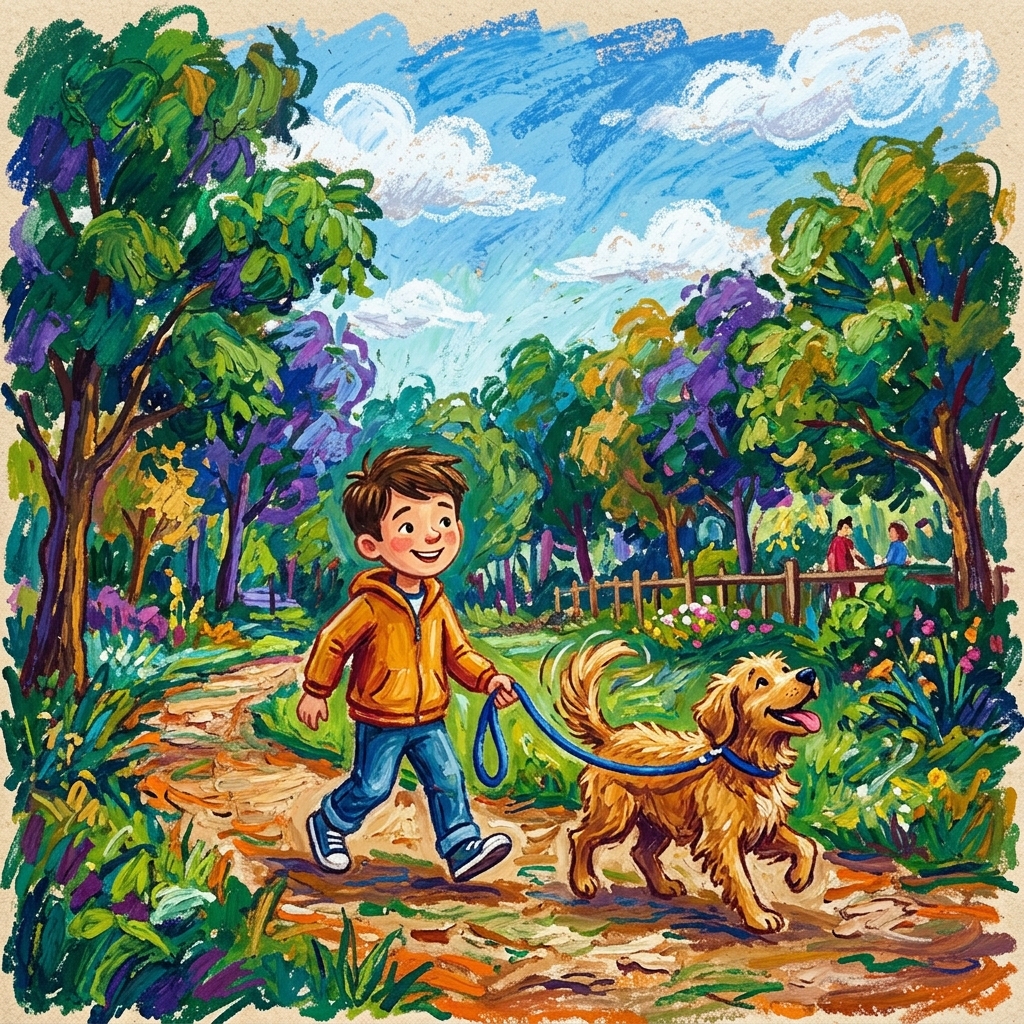
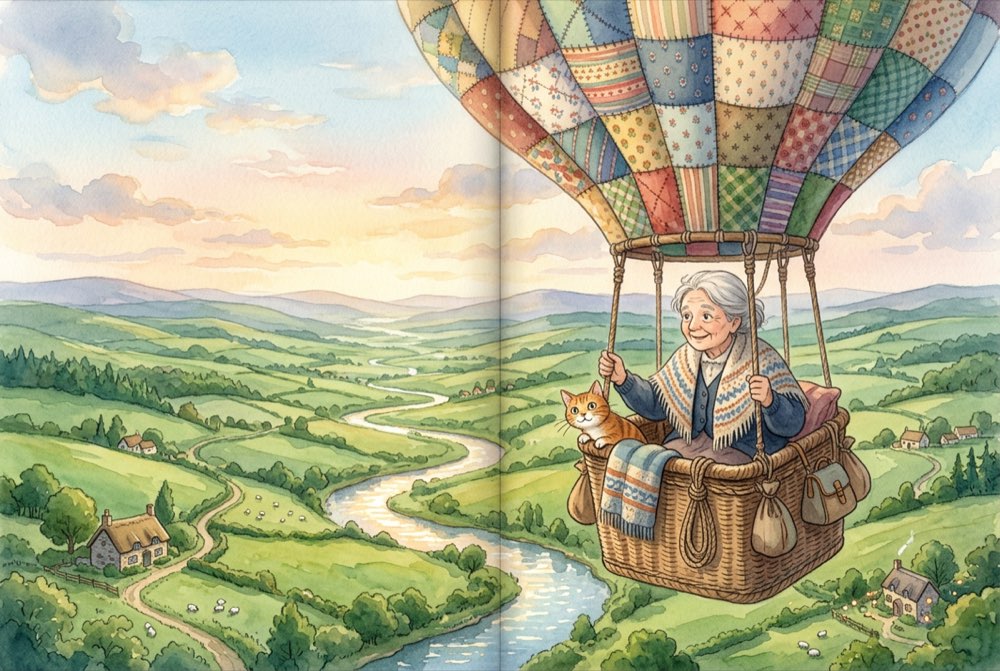
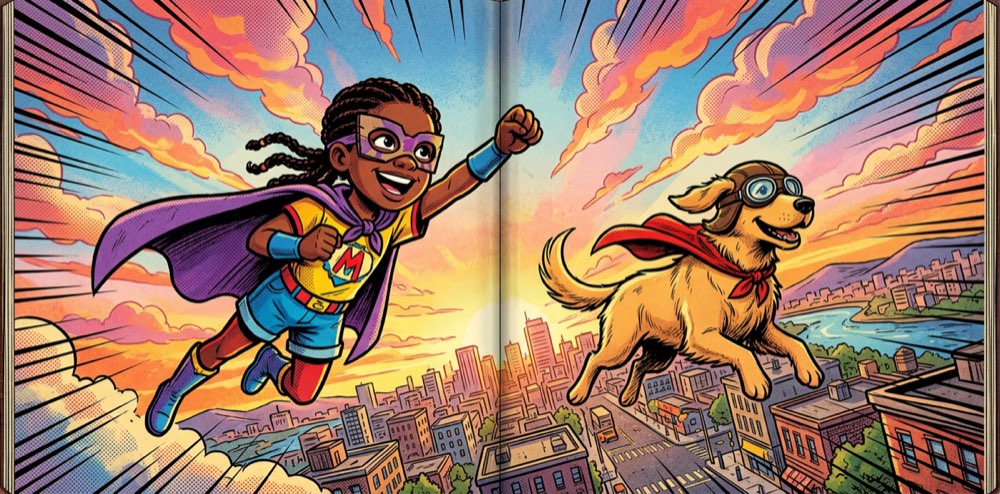
Every great story starts with a character someone cares about. Here's how to build yours -- from a photo of your kid, an idea in your head, or a spark of inspiration you can't quite describe yet.
Start CreatingYou don't need to be an artist. You just need a photo, a description, or even a half-formed idea. The character system meets you wherever you are.
Snap a photo of your kid, your dog, yourself -- the system transforms it into illustrated art in your chosen style. This is how most families start: take the real person and turn them into a storybook character. Great for personalized gifts and books where your child is the hero.
Type a description like "a friendly purple dragon with tiny wings" or "a grandma who always wears a yellow raincoat and carries a red umbrella." Your words are turned into a fully rendered character. Perfect for original stories where you want characters straight from your imagination.
Start with a vague idea and refine it. Upload a reference image, describe what you want changed ("make her hair curlier," "add a space helmet"), and iterate until it's just right. This is the playground mode -- no pressure, just exploration until something clicks.
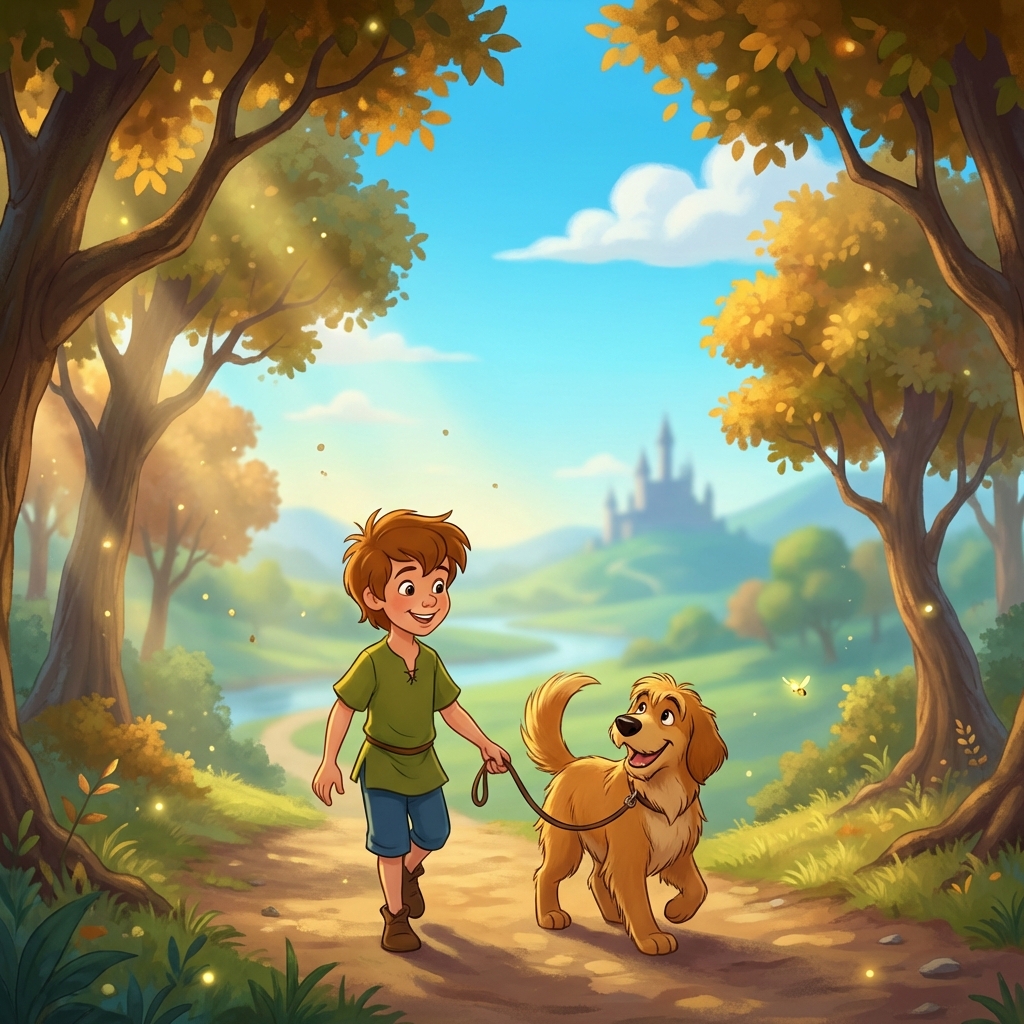
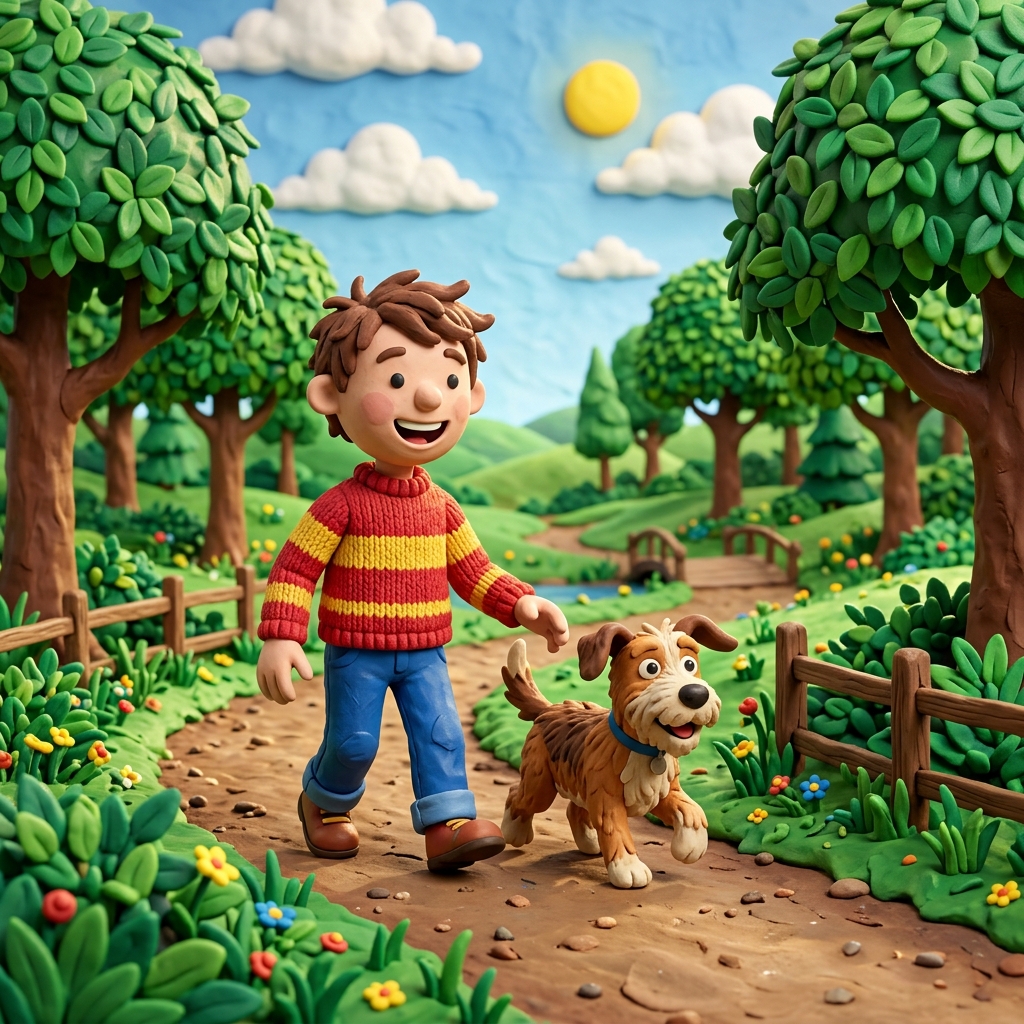
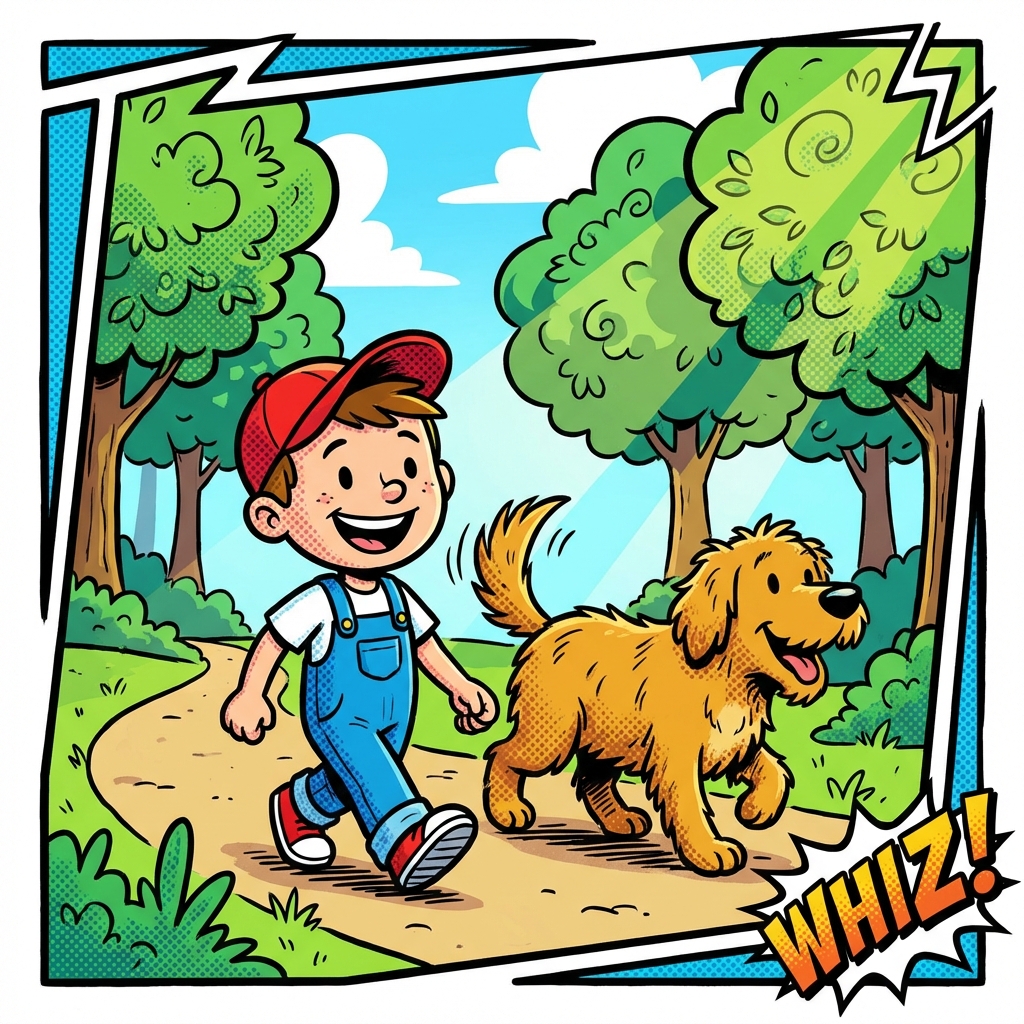
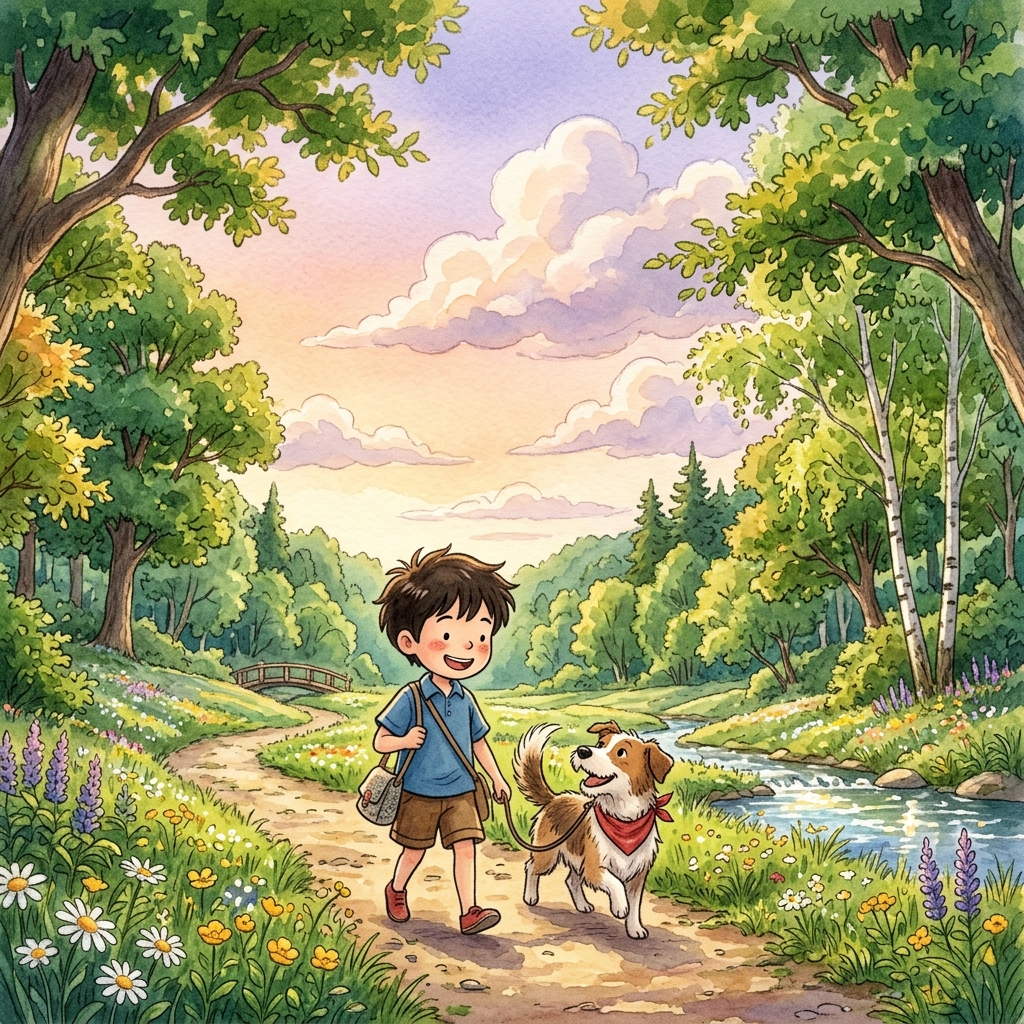
Your character gets rendered in whatever style you choose. The same kid, the same dragon, the same grandma -- each one looks completely different depending on the art style. We have 34 styles to choose from.
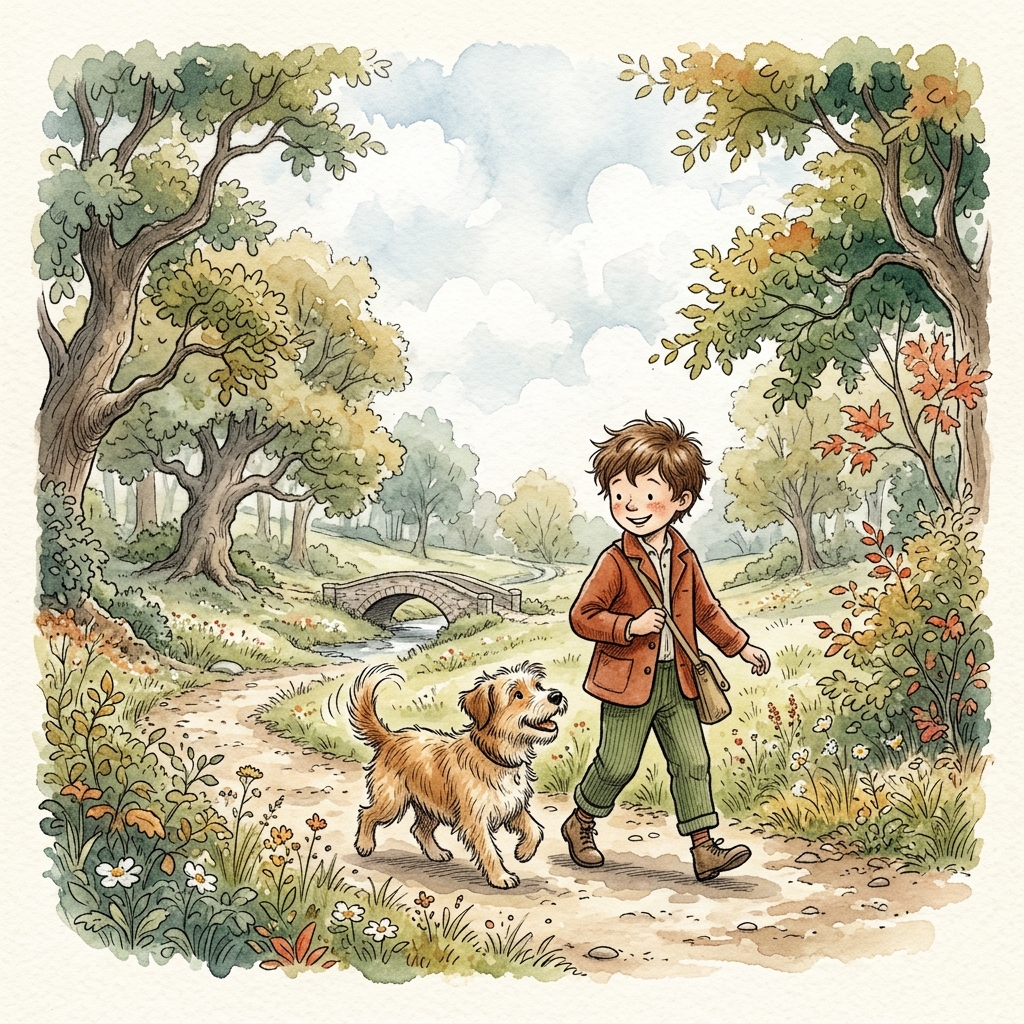
These are just 6 of 34 available styles. When you start creating, you can browse them all with full preview images.
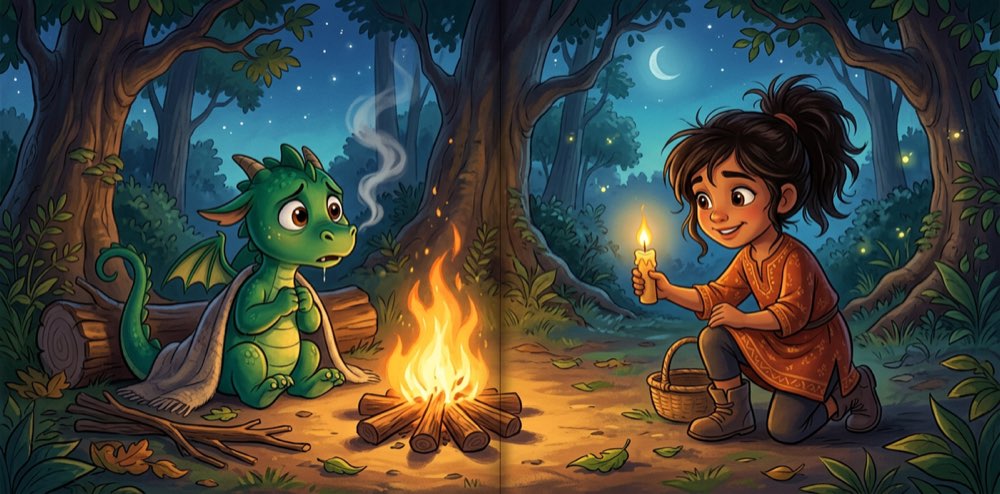
Here's the thing about generated art: without a reference, your dragon might have green eyes on page 1 and blue eyes on page 5. A character sheet solves that.
When you're happy with a character, you mark it as "complete." This generates a character sheet -- a detailed reference image used on every single page. Your daughter's curly red hair, her freckles, her favorite yellow boots -- all of it stays consistent from the first page to the last.
You'll see a little orange "Draft" badge on characters that don't have sheets yet. Once you complete them, the badge goes away, and you've got a character ready to star in a full storybook.
Take any character you've created and re-render them in a completely different art style. Your kid in watercolor for a bedtime book, then in comic book style for an adventure story. Variants are linked to the original, so you can see the whole family tree.
A few things we've learned from watching thousands of characters get created. None of these are rules -- just things that tend to make the process smoother.
Clear faces and decent lighting go a long way. You don't need a professional photo -- a well-lit phone snapshot works great. Avoid heavy shadows across the face or group photos where it's hard to tell who's who.
Even when uploading a photo, adding a few words helps: "my daughter loves space and always wears her red boots" or "our golden retriever who carries a tennis ball everywhere." These details make the character feel more like the real person.
Sometimes a character surprises you in a style you didn't expect. A kid you imagined in watercolor might come alive in claymation. It only takes a minute to generate a variant, and you might discover your new favorite.
Characters are saved in your library. You can create new style variants any time, refine descriptions, or generate fresh character sheets. Nothing is permanent until you put it in a book.
The questions we hear most often from parents getting started with character creation.
Technically the system will process any photo, but it works best with photos of family, friends, and pets. Celebrity photos can produce inconsistent or generic results because the system may not reproduce specific famous faces reliably. Stick with the people (and animals) you actually know.
Unlimited. There's no cap on how many characters you can have in your library. Each generation uses credits (1 to 5 depending on the image model), but you can create as many unique characters as you'd like.
Yes -- that's the whole point. Once you have a completed character with a character sheet, you can use them in any story you create. Your daughter can star in a bedtime story this week and a space adventure next month, looking like herself in both.
Regenerate it. Tweak the description, try a different art style, or adjust the photo you're using. Brainstorm mode is specifically designed for this: iterate until you're happy. Every character starts as a draft, and you only finalize it when it feels right.
Not necessarily. You can make a storybook without pre-built characters -- illustrations will be generated to match your story. But if you want a specific person or character to look consistent across every page, creating a character first is the way to go.
It takes about two minutes. Upload a photo or type a description, pick an art style, and meet your character.
Get Started